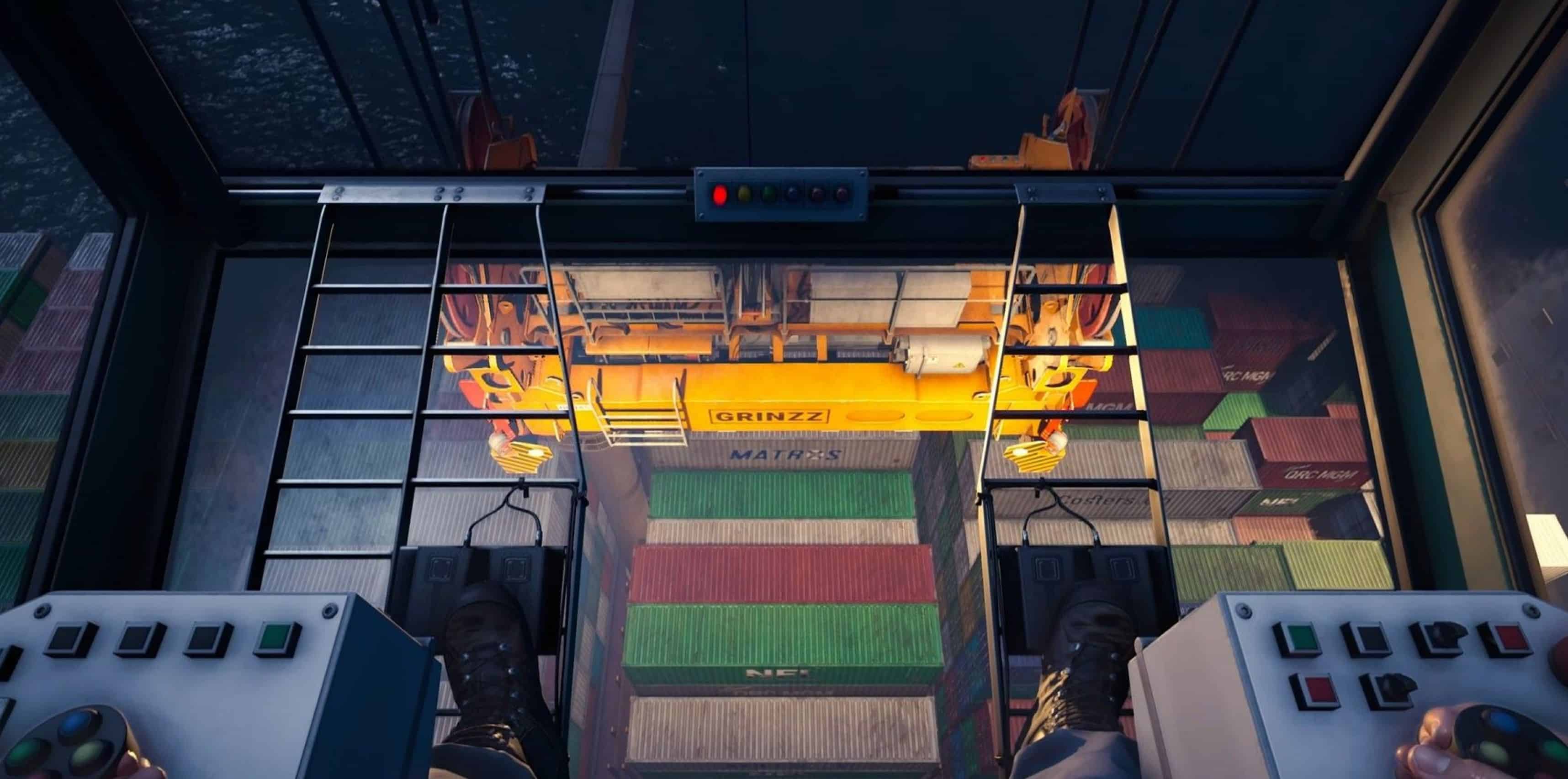
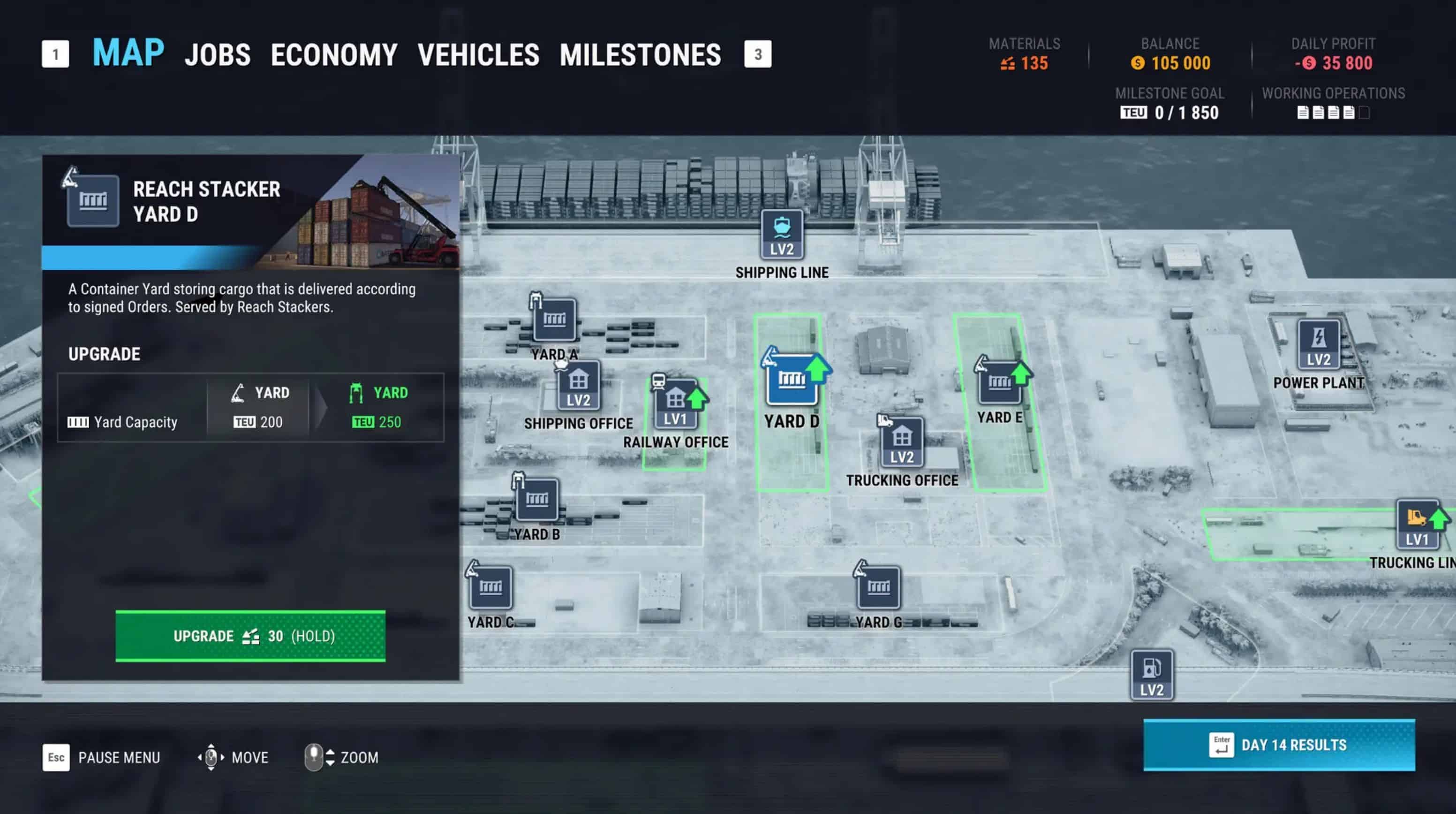
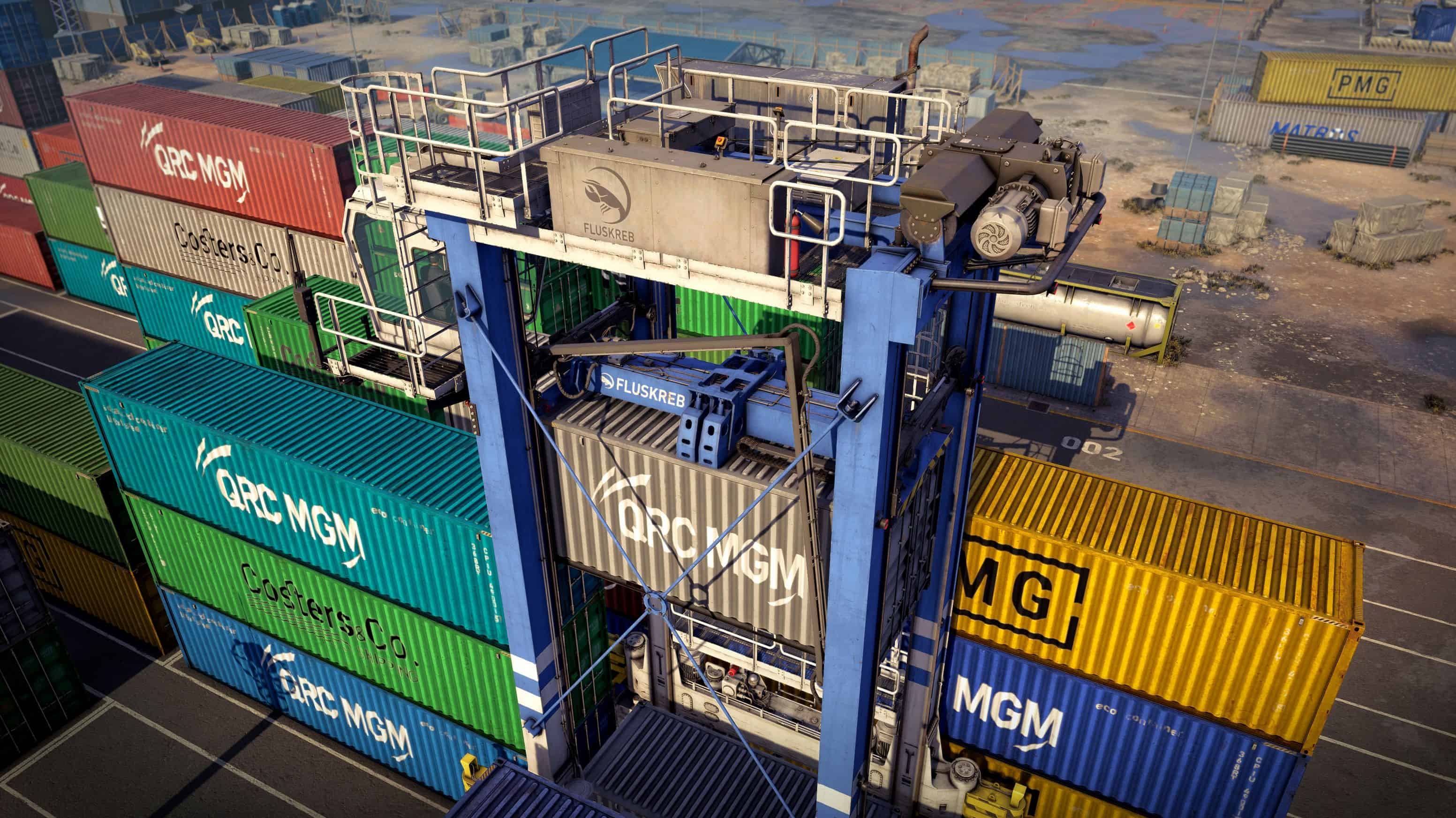
When starting Docked, many players jump straight into operating machinery and completing contracts without checking the gameplay settings. However, adjusting a few key options early can make the experience much smoother and more comfortable. Since Docked involves precise control of heavy equipment and constant movement around the port, the right settings can improve both visibility and control during daily operations.
Camera and Field of View
One of the first settings worth adjusting is the camera configuration. Ports are large environments filled with containers, vehicles, and tight working areas, so having a clear view of your surroundings is extremely important. Increasing the field of view slightly can help you see more of the environment without constantly rotating the camera. This becomes especially helpful when operating cranes or positioning machinery near stacked cargo. A comfortable camera distance can also make it easier to monitor container placement and avoid collisions with nearby objects.
Control Sensitivity
Heavy machinery in Docked requires careful movement and accurate positioning. If the controls feel too fast or too slow, adjusting the sensitivity settings can greatly improve precision. Lower sensitivity often helps when lifting containers or aligning vehicles with cargo, while slightly higher sensitivity may feel better when driving machines across the port. Finding the right balance makes operating equipment much more natural.
Graphics Settings for Performance
Smooth performance is important when working with large machines and detailed port environments. Players using mid range systems may benefit from adjusting graphics options such as shadows, lighting, or environmental details. Lowering a few demanding settings can improve frame rates and create a more stable experience, especially when multiple machines and cargo objects are present on screen.
Interface and HUD Options
Docked provides useful information through its interface, but some players prefer a cleaner screen while working. Adjusting HUD settings can help reduce distractions and make it easier to focus on cargo handling and machinery control. Finding a balance between useful information and screen clarity can improve the overall gameplay experience.
Small Changes That Make a Big Difference
Spending a few minutes adjusting gameplay settings can significantly improve comfort and efficiency in Docked. Better camera visibility, smoother controls, and stable performance make everyday tasks easier to manage. Once these settings are optimized, players can focus fully on running their port operations and mastering heavy machinery.